CopyStack
Copy. Switch. Paste. Switch. Copy. Switch. Paste.
If you've ever moved multiple pieces of information between windows, you know the dance. Filling out a form from a spreadsheet. Moving data between apps. Extracting bits from a long document.
The clipboard only holds one thing at a time. So you context-switch constantly, losing focus and making mistakes. It's death by a thousand paper cuts.
What if the clipboard worked like a stack? Copy everything you need first, then paste it out in order. The mental model shifts from "one-at-a-time" to "batch then deploy."
Copy. Copy. Copy. Paste. Paste. Paste.
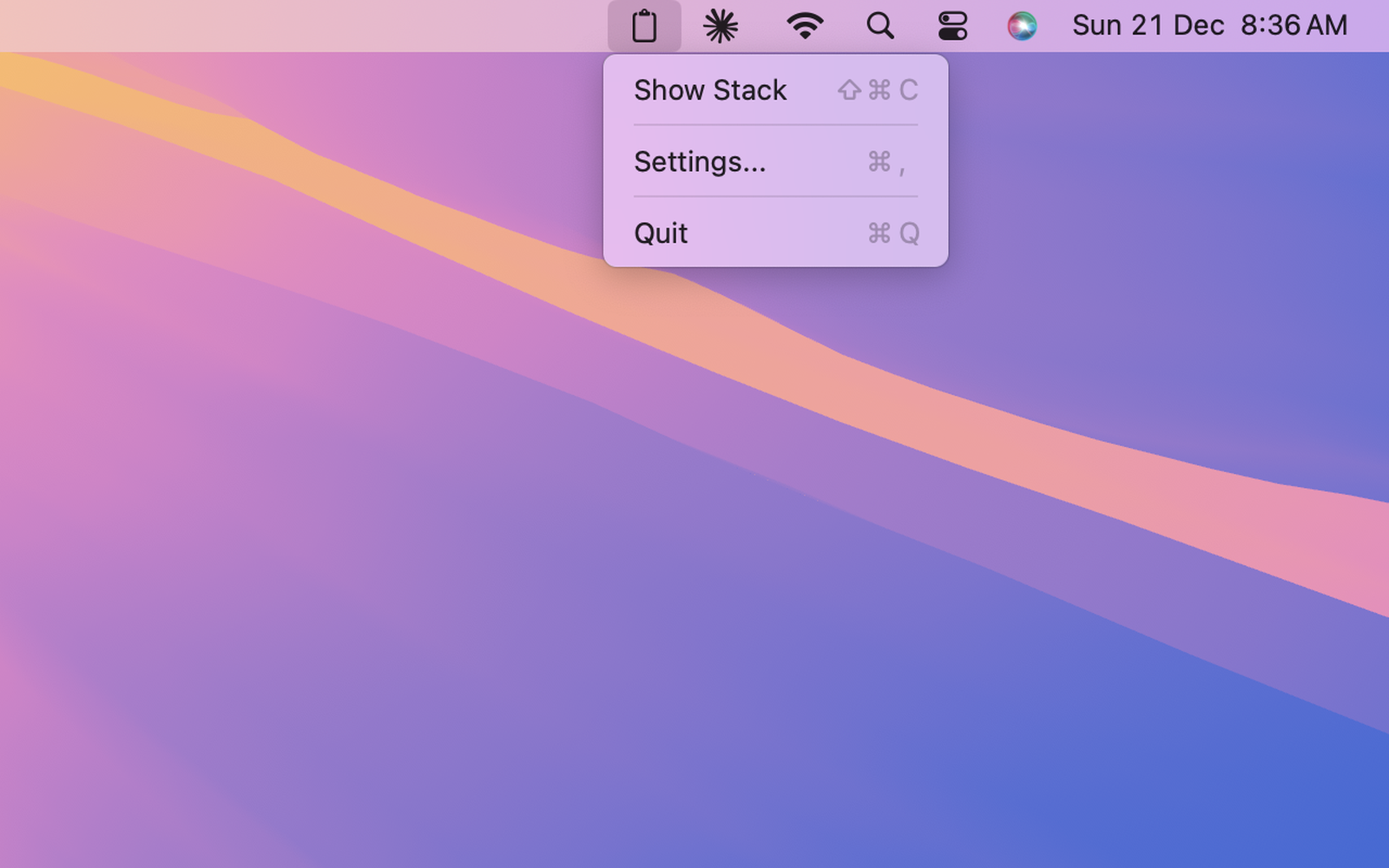
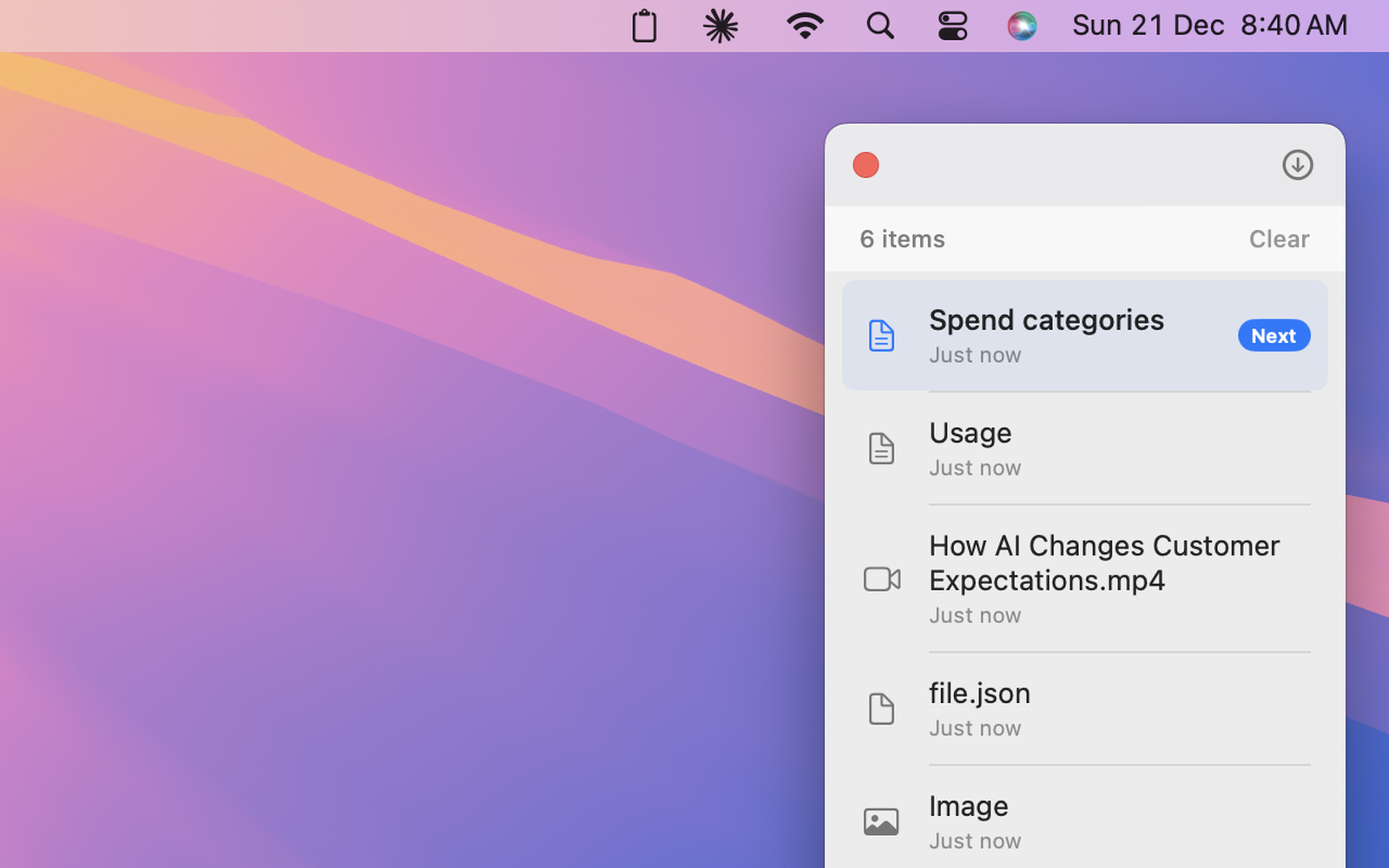
A tiny macOS menu bar app with just two shortcuts:
- ⌘⇧C — Copy to stack (adds, doesn't replace)
- ⌘V — Paste from stack (first in, first out)
A small floating window shows what you've collected. Items disappear after you paste them. No configuration, no preferences panel, no feature creep. It does exactly one thing.
Mental models vary. Programmers see "stack" and get it. Everyone else expects clipboard history—paste anything, anytime. The tagline needed three rewrites before it landed.
Edge cases are the product. "Detect what the user copied" sounds like a weekend's work. Reality: 15 fallback methods. Chat apps write to clipboard asynchronously. The happy path was 10% of the code.
What I'd do differently: Menu bar badge showing queue count—right now you have to remember what you've copied. And assume every integration is async from day one; that late realization rippled through everything.